 Jajcpa AI
Use the cross stitch pattern maker tool below to generate a pattern-style image.
Result
Generated image appears here. You can download once ready.
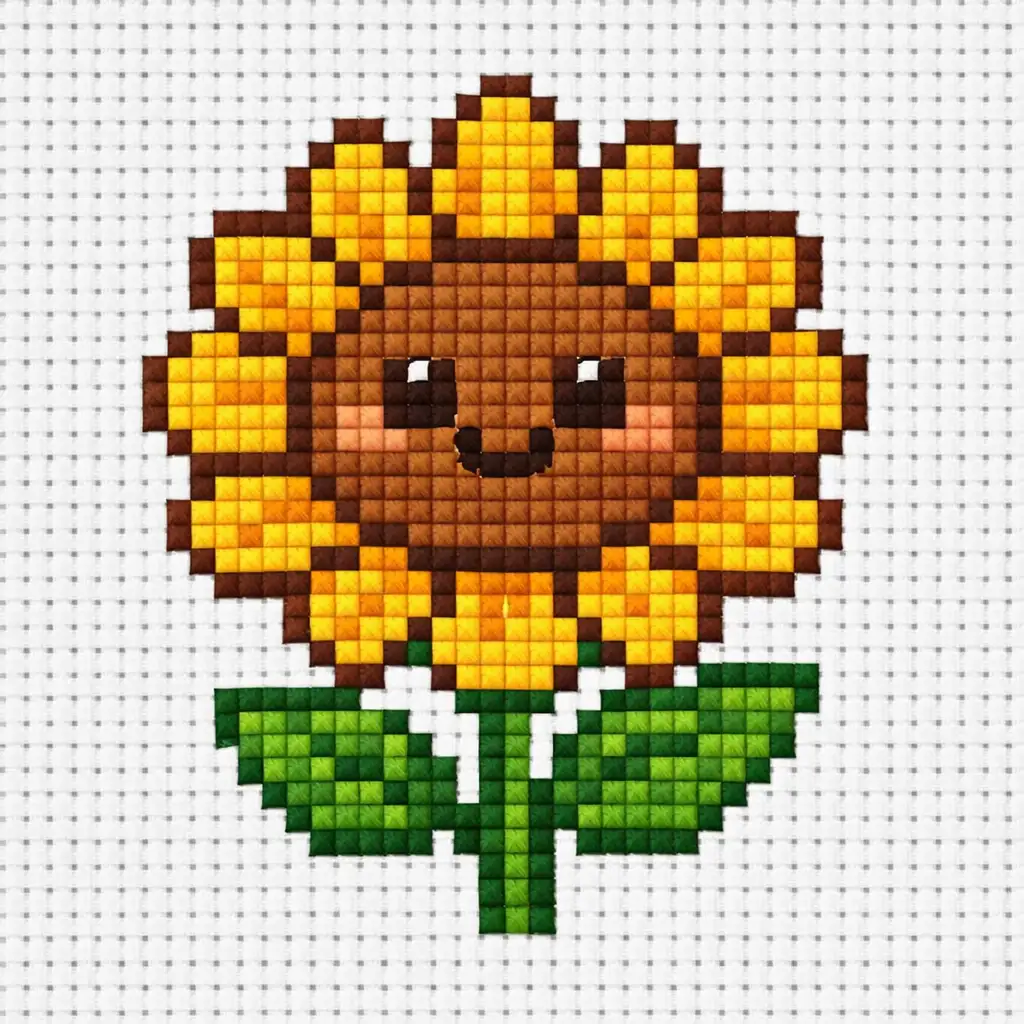
Cross Stitch Pattern Maker — Turn Ideas and Photos into Stitchable Patterns
Want a quick way to create cross stitch patterns without wrestling with complex desktop software? Jajcpa's cross stitch pattern maker uses AI to generate clean, chart-style designs from a simple text description or uploaded photo. Whether you're planning a pet portrait, a floral motif, or a decorative piece for a gift, this AI cross stitch pattern generator delivers results tuned for real stitching — not just pixelated art. Control your color count, adjust detail levels, simplify backgrounds, and choose from multiple pattern styles, all in a streamlined interface designed for hobby stitchers and pattern creators. Upload a reference image and watch it transform into a simplified chart, or describe your vision and let the AI create a cross stitch pattern from scratch. No downloads, no learning curve — just fast, stitchable pattern concepts ready to inspire your next project.
Why Stitchers Choose This Cross Stitch Pattern Maker
Traditional pattern converters produce noisy, high-color results full of confetti stitches. Jajcpa's cross stitch pattern generator is built around what actually matters to needleworkers: fewer colors, cleaner shapes, and patterns that are genuinely enjoyable to work.
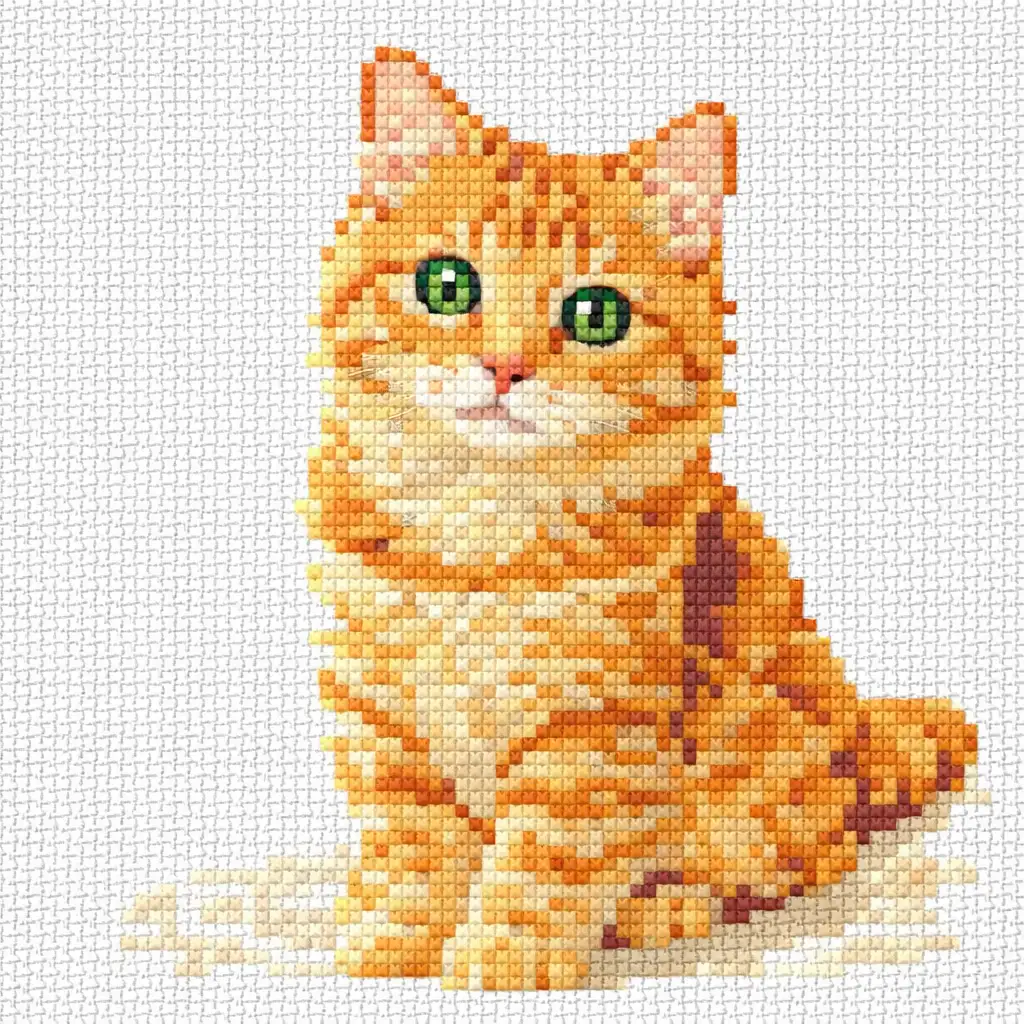
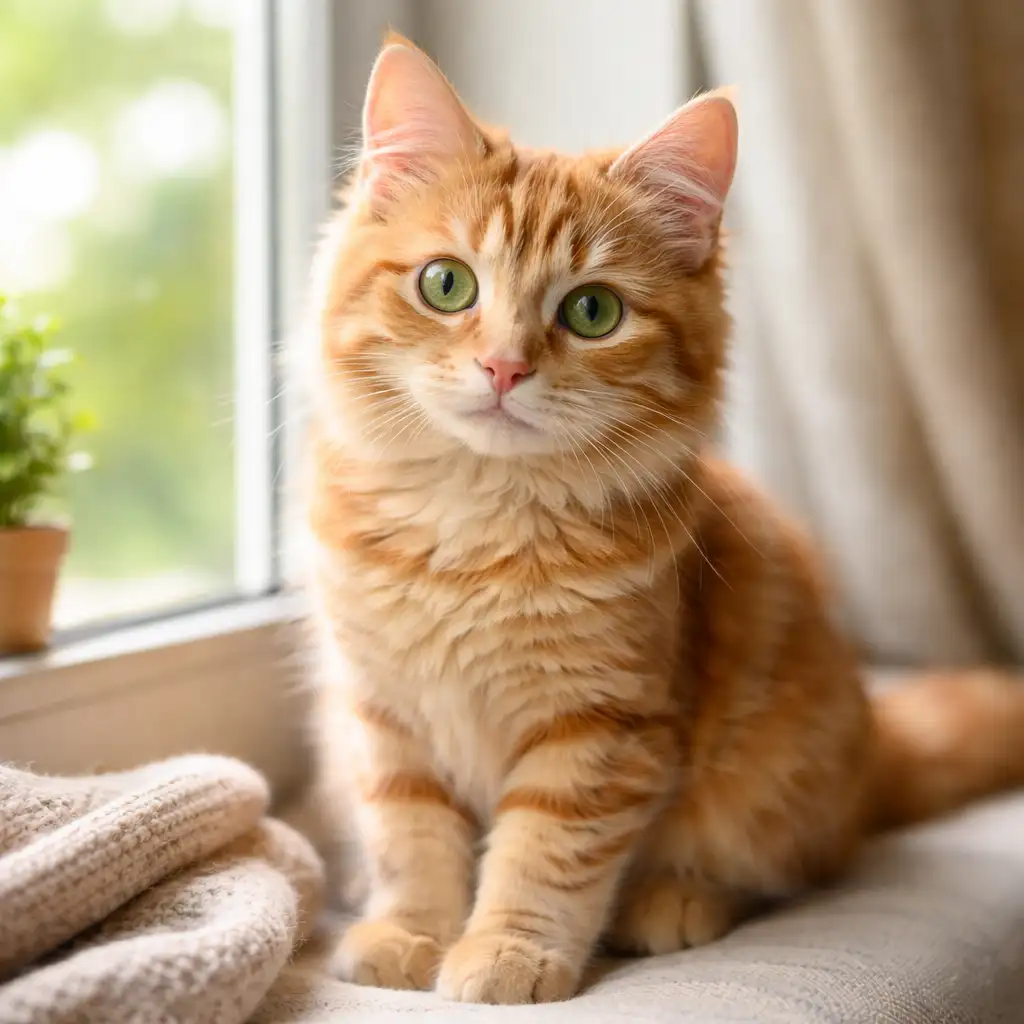
Turn Any Photo into a Stitchable Pattern
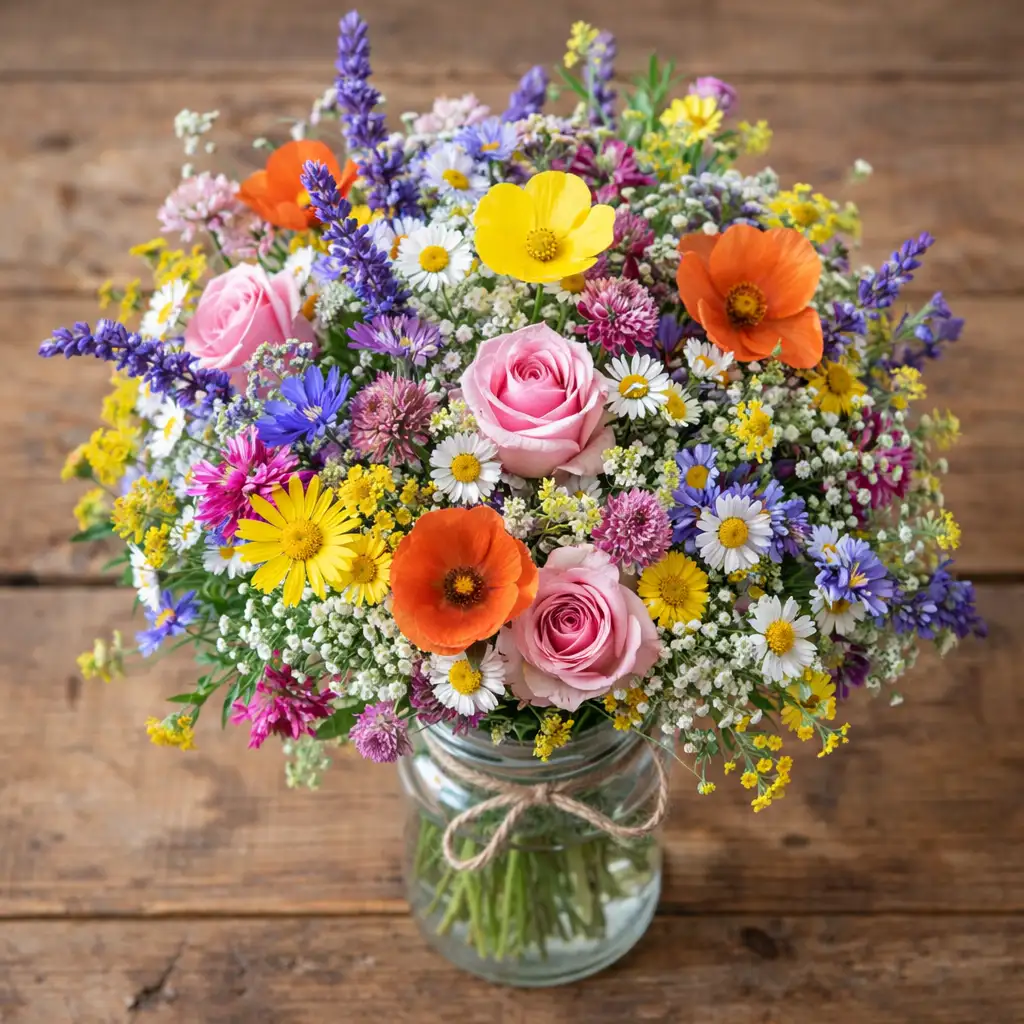
Upload a portrait, pet photo, or reference image and the AI converts it into a simplified cross stitch pattern. Unlike generic photo-to-pixel converters, this tool intentionally reduces detail, smooths edges, and minimizes isolated stitches so the result actually translates to fabric. The main subject stays recognizable while unnecessary background complexity is stripped away — giving you a clean starting point for your next cross stitch design.
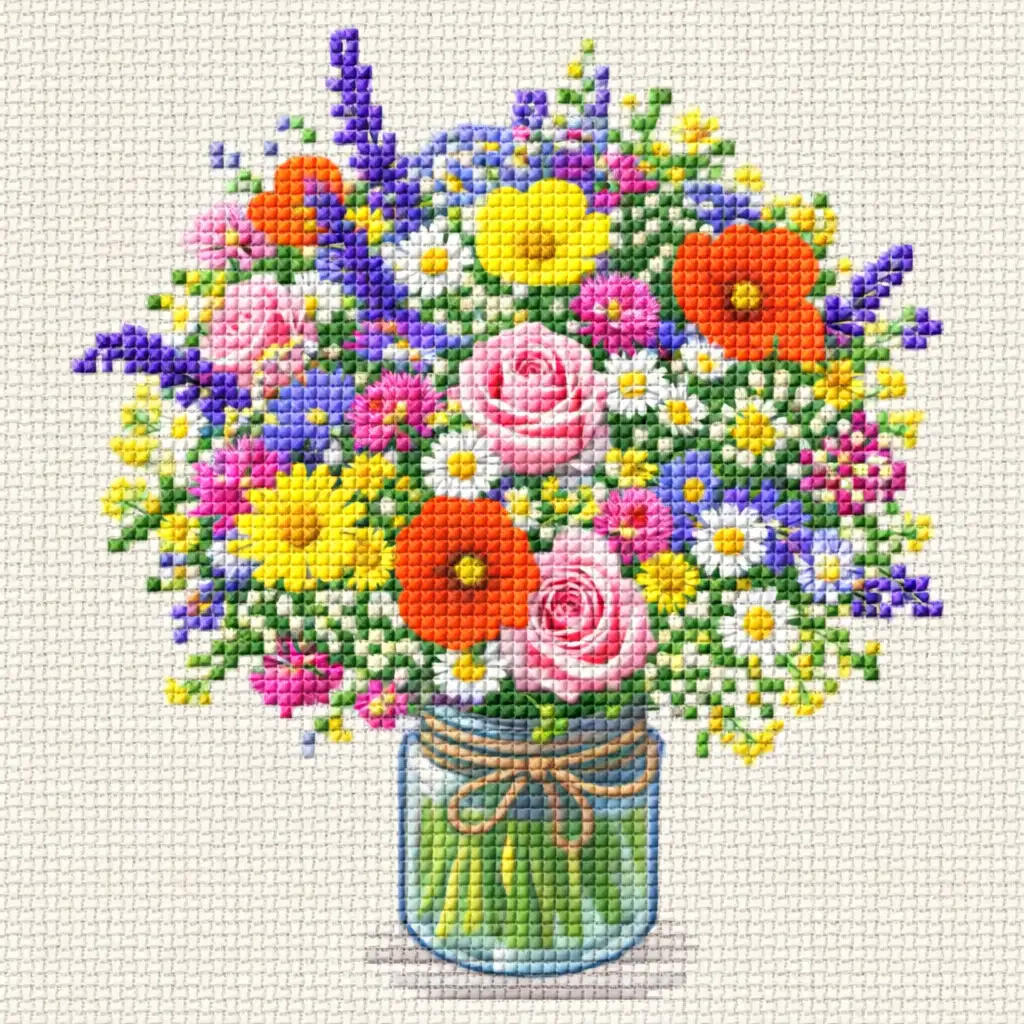
Fewer Colors, Cleaner Results
Too many thread colors is the most common complaint in pattern conversion. Jajcpa puts color count front and center, letting you choose between 8, 12, or 20 colors depending on your project. Fewer colors mean fewer thread changes, less confetti, and a more readable chart. The cross stitch pattern maker applies intelligent color reduction that preserves your design's character while keeping the palette manageable for real stitching sessions.

Describe It, Stitch It — Text-to-Pattern Generation
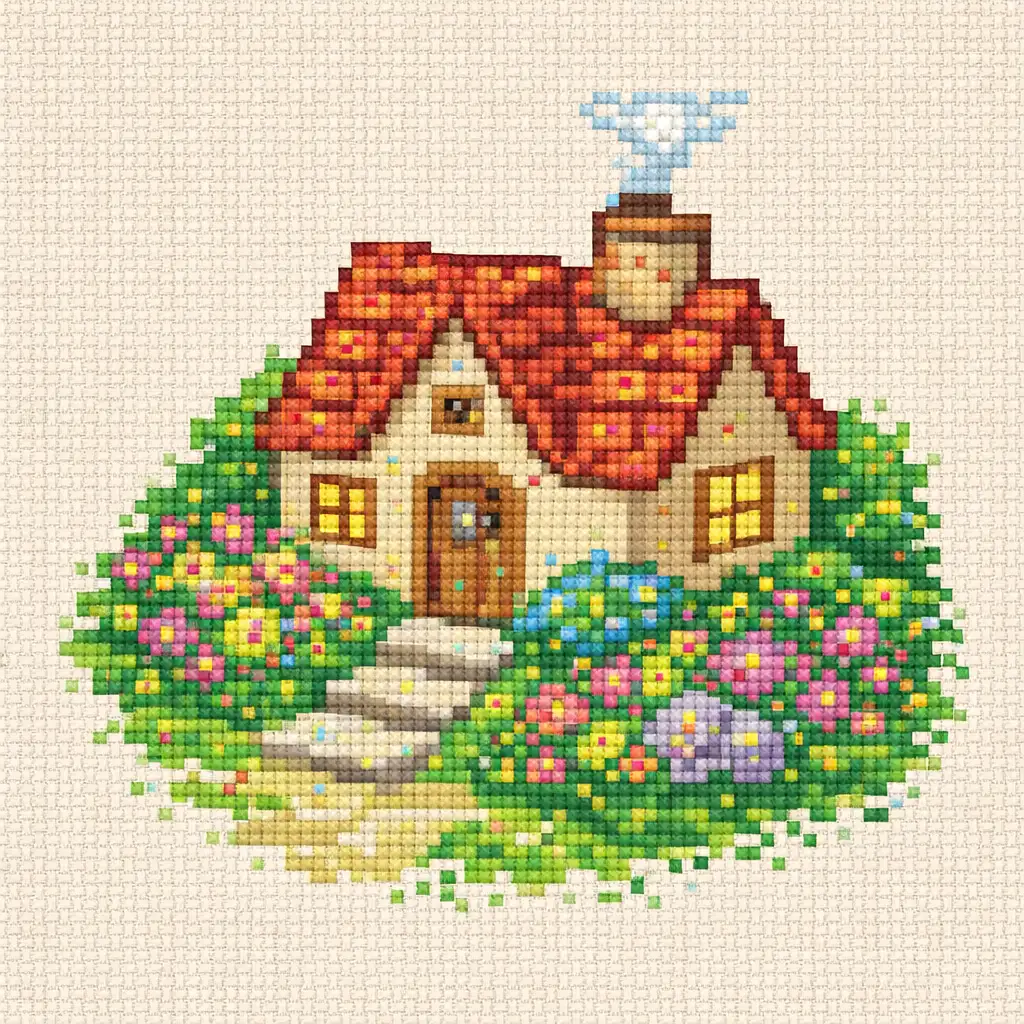
Don't have a reference photo? Just describe what you want. Type a simple prompt — a cute cat in a flower wreath, a geometric border, a monogram surrounded by botanicals — and the cross stitch design maker generates a pattern-style image from scratch. Every result is rendered with visible grid structure and flat color blocking, so you get a design that reads as a genuine stitch chart rather than generic AI illustration.
Built for Real Stitching, Not Just Pixel Art
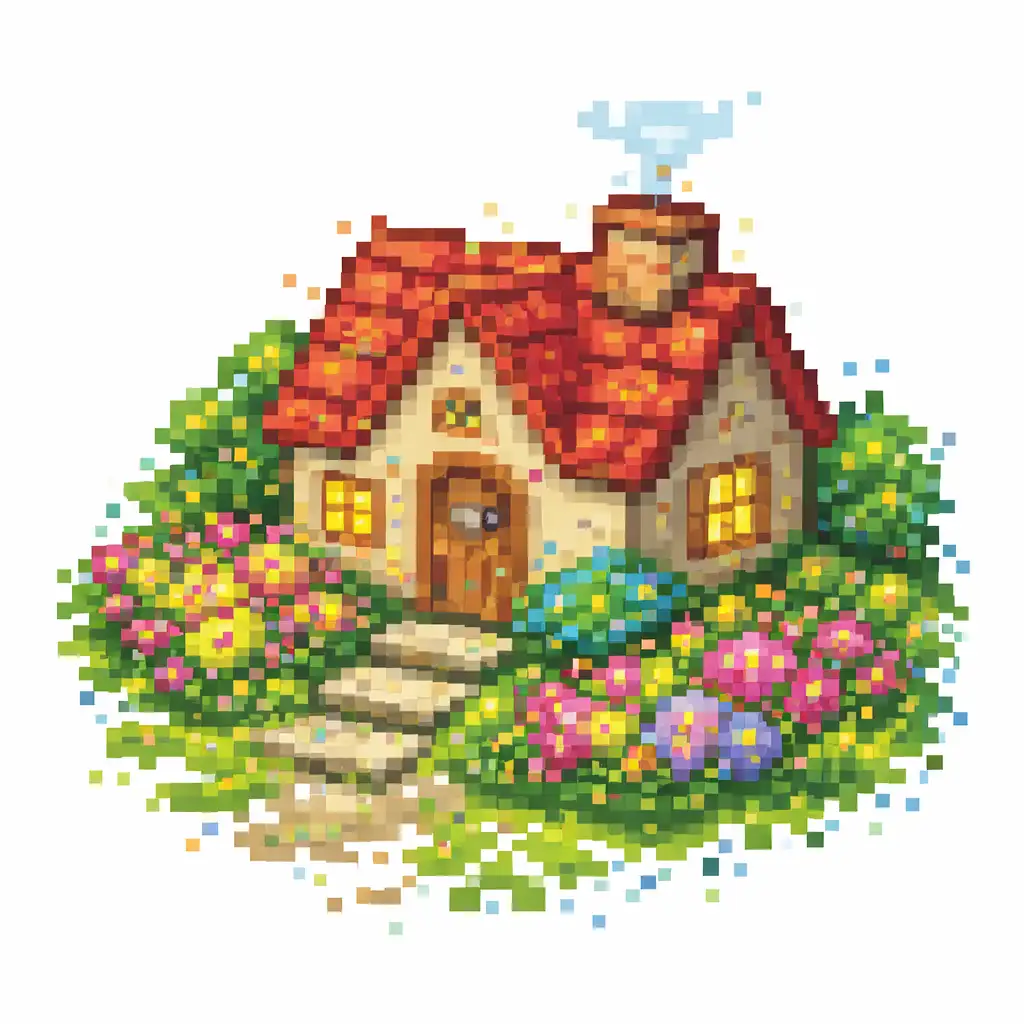
Jajcpa separates itself from generic AI image generators by optimizing for stitchability at every step. The output uses square-grid alignment, clean color boundaries, and reduced isolated stitches — details that matter when you're counting squares on Aida cloth. Adjustable detail levels let you dial complexity up or down, while background handling options remove visual clutter that would otherwise produce hundreds of unnecessary stitches. This is a cross stitch chart creator built for needleworkers, not a pixel-art toy.
How to Create Cross Stitch Patterns in 3 Simple Steps
Whether you're converting a photo or starting from a text prompt, generating a pattern takes under a minute. No pattern software experience needed — just pick your options and let the cross stitch pattern maker handle the rest.
Describe your design or upload a photo
Choose text-to-pattern mode and type a description of your ideal design, or switch to image-to-pattern mode and upload a JPG, PNG, or WebP photo up to 10 MB. Clear subjects with simple backgrounds produce the best cross stitch patterns.
Set your pattern preferences
Pick a pattern style — classic chart, cute kawaii, modern minimal, or portrait — and choose your color count. Adjust the detail level and background handling to match your stitching goals. Each setting is designed to improve how the finished needlework pattern feels on fabric.
Generate and download
Hit Generate and your cross stitch pattern appears in seconds. Preview the result, then download the image. Try different style and color combinations on the same input to find the version that works best for your project.
Who Uses This Cross Stitch Pattern Maker?
From weekend hobbyists to Etsy shop owners, Jajcpa's stitch pattern generator helps anyone who wants a clean, stitchable design without the complexity of traditional charting software.
Hobby Stitchers Exploring New Projects
Starting a new project is exciting — but planning one from scratch can be tedious. Use the cross stitch pattern maker to quickly visualize ideas before committing to fabric and floss. Generate several variations of a design in minutes instead of hours, and pick the concept that inspires you most.
Gift Makers Creating Personal Keepsakes
A stitched pet portrait, wedding date sampler, or family home design makes a meaningful handmade gift. Upload a photo or describe your subject, and this cross stitch design tool gives you a simplified pattern starting point — perfect for turning sentimental images into something you can stitch and frame.
Pattern Creators and Etsy Sellers
Speed up your creative pipeline by using AI to explore pattern ideas before refining them in dedicated charting software. The AI pattern generator helps you quickly test compositions, color palettes, and motifs so you can focus your manual effort on designs you know will resonate with buyers.
Beginners Learning Cross Stitch
New to needlework? Simple, low-color patterns are the best way to build confidence. This cross stitch pattern generator creates beginner-friendly designs with clean shapes and minimal detail. Start with cute motifs or simple geometric patterns and work your way up to larger, more complex projects.
Cross Stitch Pattern Maker FAQ
What is a cross stitch pattern maker?
A cross stitch pattern maker is a tool that generates stitch chart-style designs from text descriptions or photos. Jajcpa's version uses AI to produce clean, grid-aligned patterns with controlled color counts and simplified detail — giving you a stitchable starting point without needing traditional desktop pattern software.
Is Jajcpa's cross stitch pattern maker free?
Yes. Jajcpa offers free credits when you sign up, so you can try the cross stitch pattern maker right away. Each generation uses a small number of credits shown before you generate. Additional credits are available through affordable plans.
Can I create a pattern from a photo?
Absolutely. Upload a JPG, PNG, or WebP photo up to 10 MB and the AI will convert it into a simplified cross stitch pattern. Photos with a clear, centered subject and simple background produce the best results. The tool reduces detail, limits colors, and smooths edges so the output is practical for stitching.
What pattern styles are available?
The cross stitch pattern maker offers four styles: Classic Chart for traditional balanced detail, Cute Kawaii for soft decorative motifs, Modern Minimal for bold shapes with fewer colors, and Portrait Pattern optimized for faces and pets. You can also let the AI choose the best style automatically.
What subjects work best for cross stitch patterns?
Simple motifs, cute animals, floral designs, portrait busts, and house illustrations produce the cleanest cross stitch patterns. Name designs and short text also work well. Highly detailed landscapes, dense group photos, and complex typography may not simplify as cleanly — the tool works best with clear, focused subjects.
Can I use generated patterns commercially?
Jajcpa is built for creators and makers. Many users incorporate generated cross stitch patterns into personal projects, gifts, and products for sale. Review your plan details and our Terms of Service for complete information about commercial usage rights.